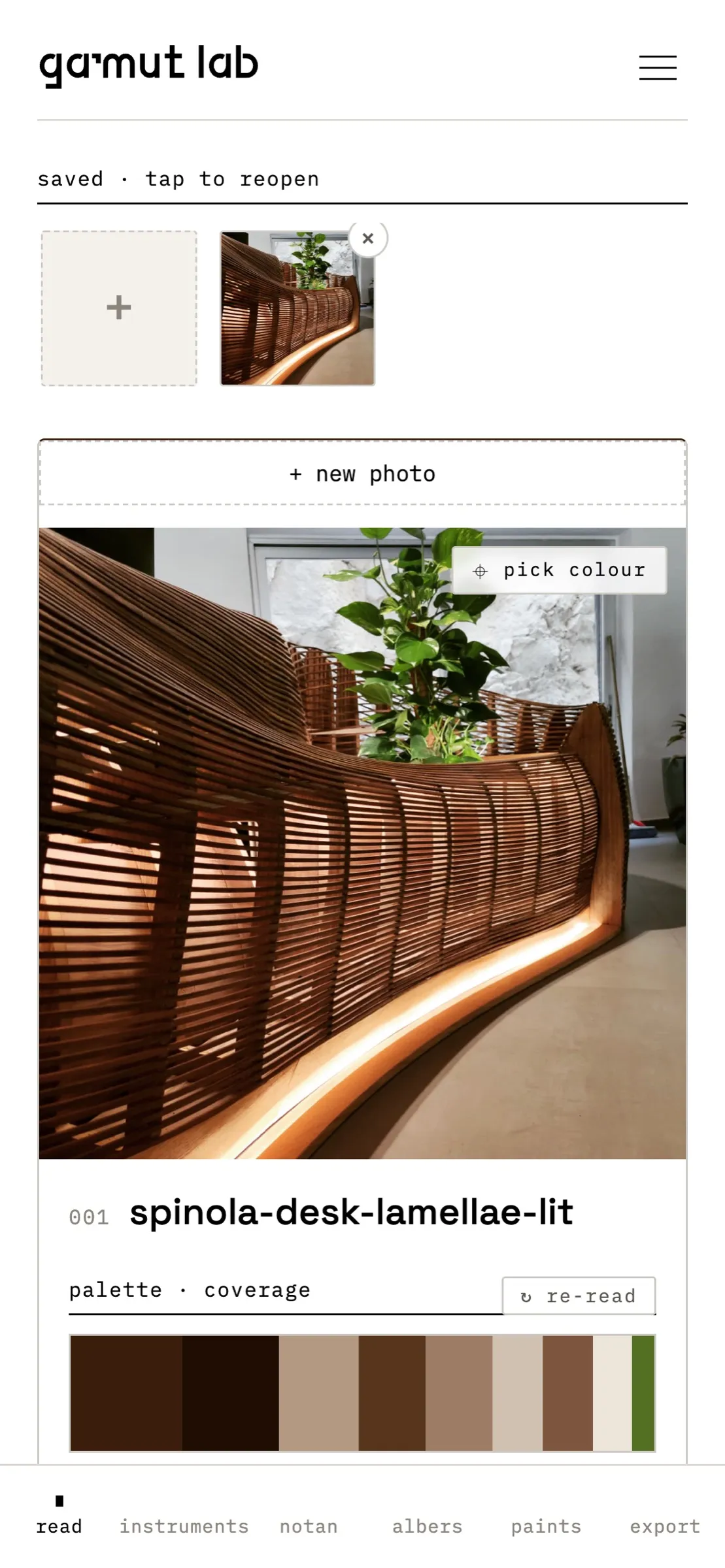
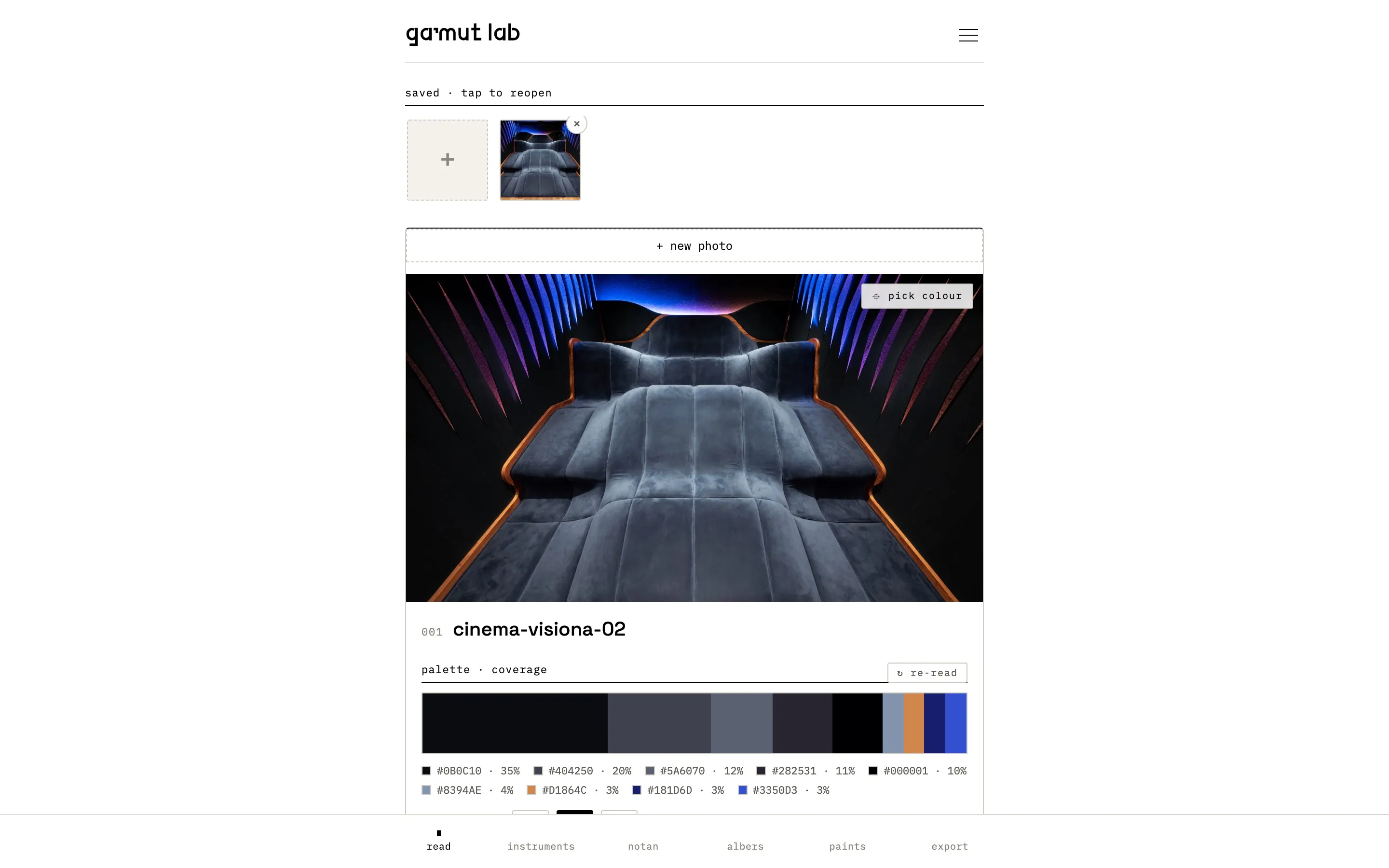
Load a photo and Gamut reads its colours, on your device: the palette, warm against cool, the light and dark masses, and the nearest paint.
what it is.
Gamut reads the colour of a photograph. Take a picture of a place, a material or something we’ve made, and it pulls out the palette: nine colours by default, each with how much of the frame it covers. Sampled, not invented.
It’s a small instrument, not a colour chart. It runs in the browser on a phone or a laptop. The photo is read on your device and never uploaded, and your readings stay there. Add it to your home screen and it opens like an app, offline too.
where we use it.
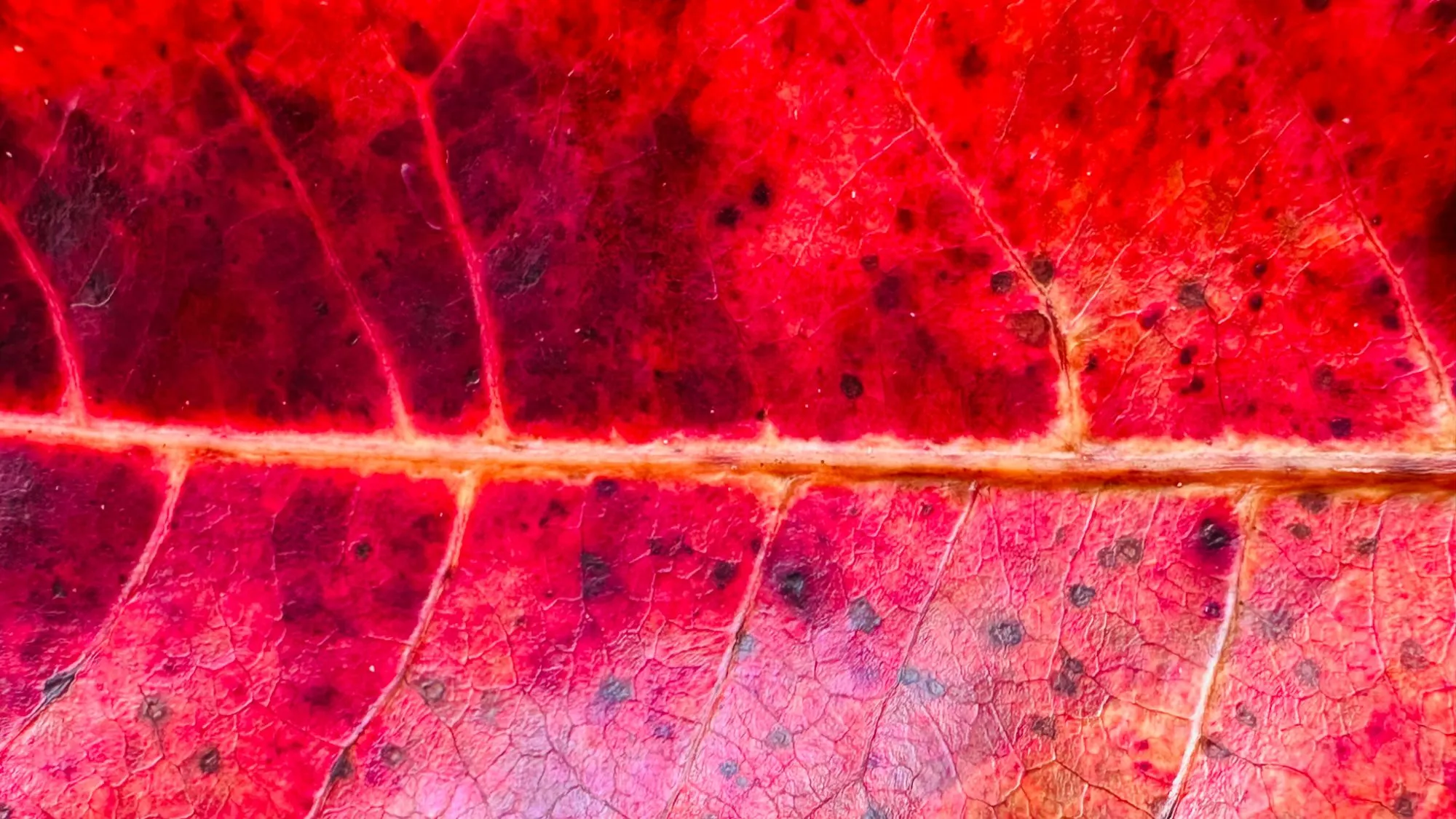
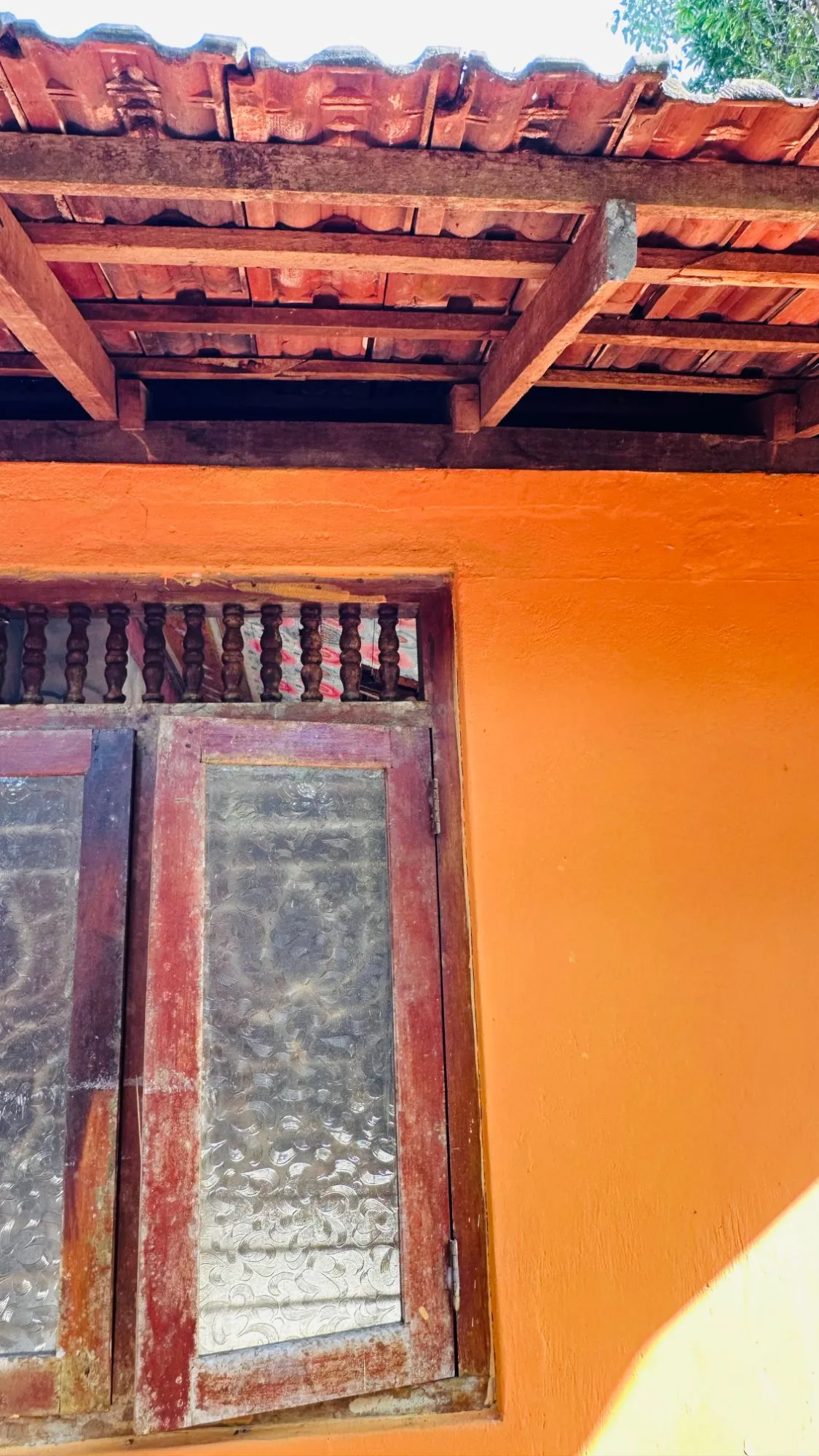
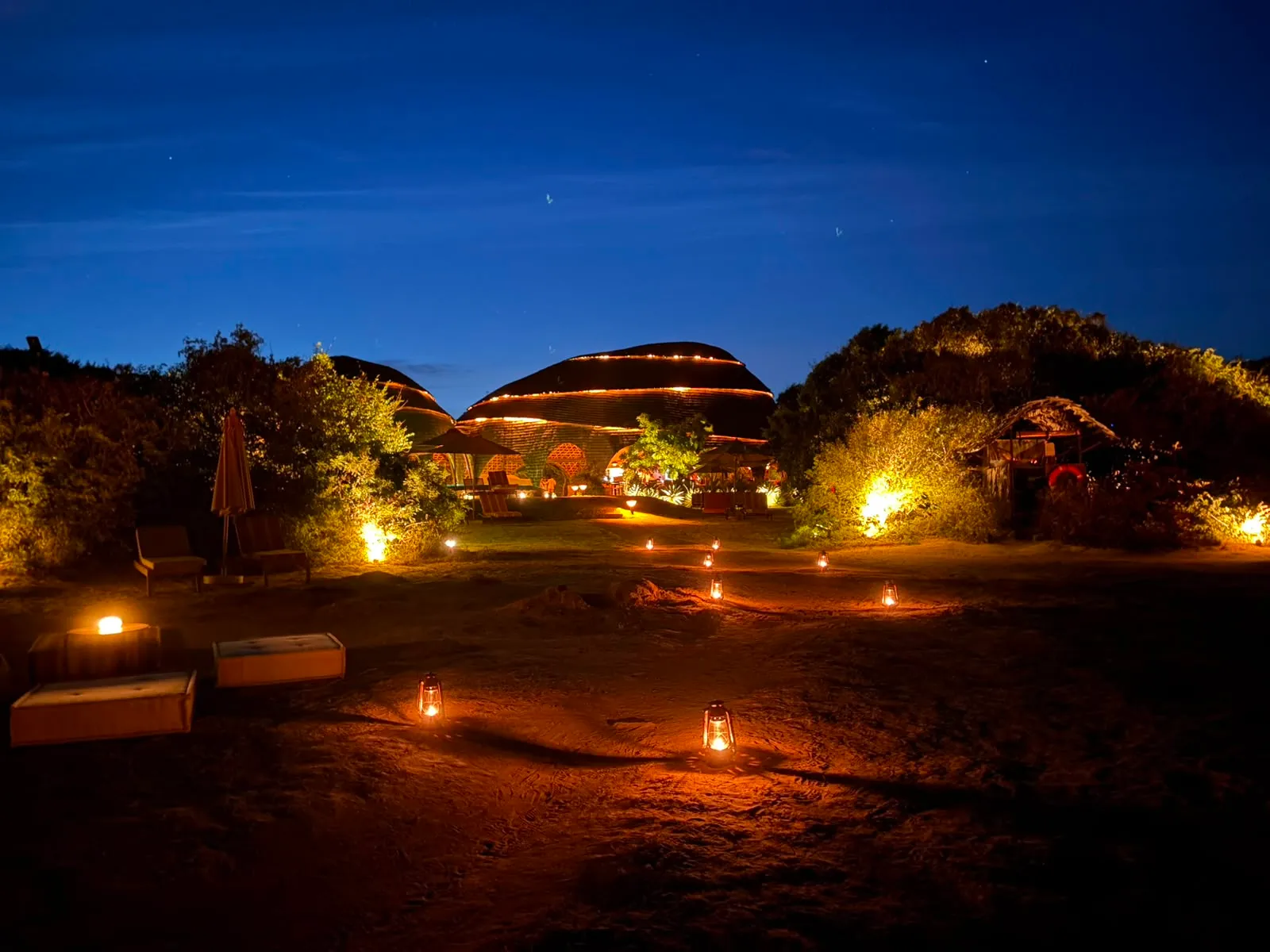
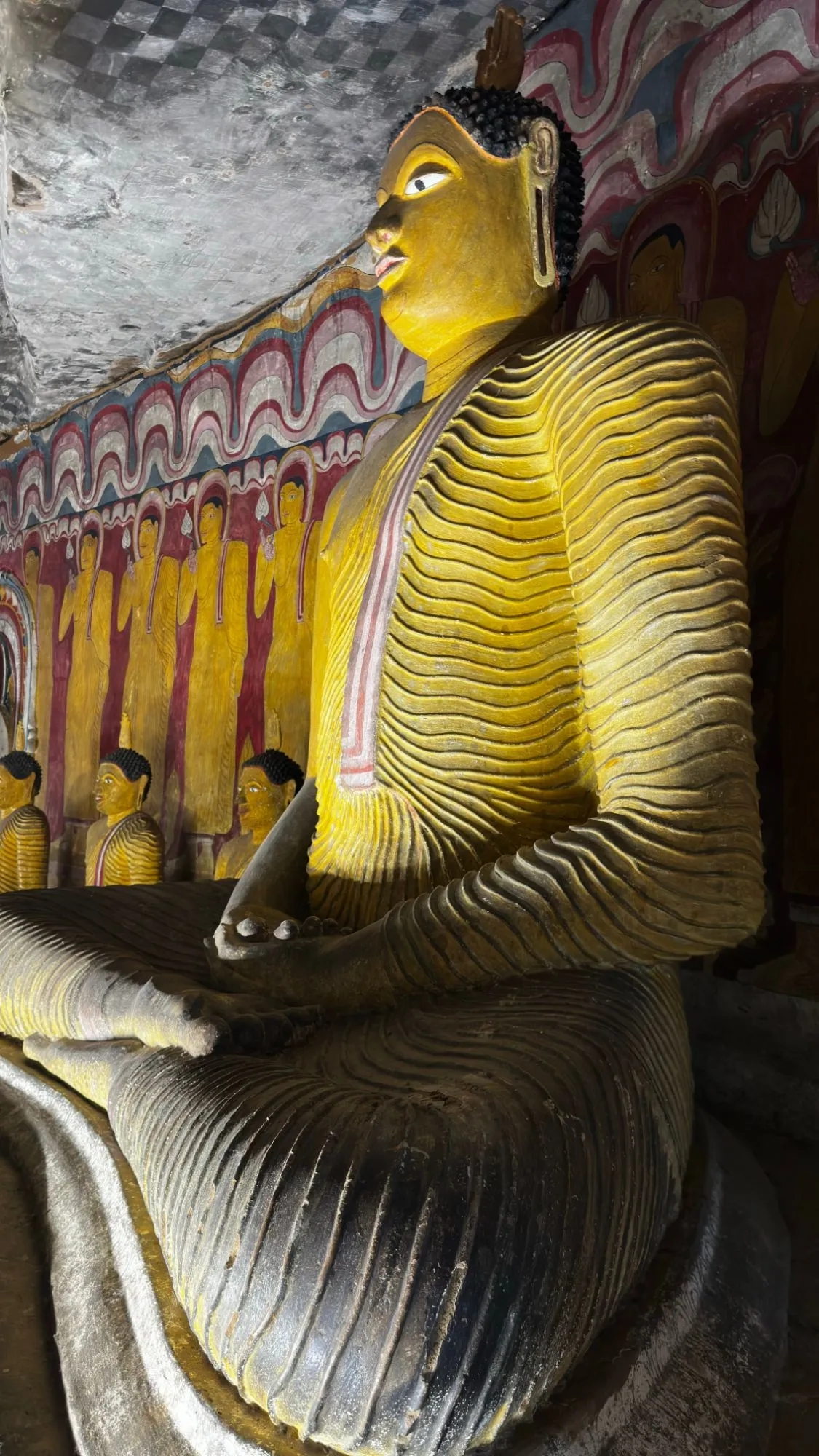
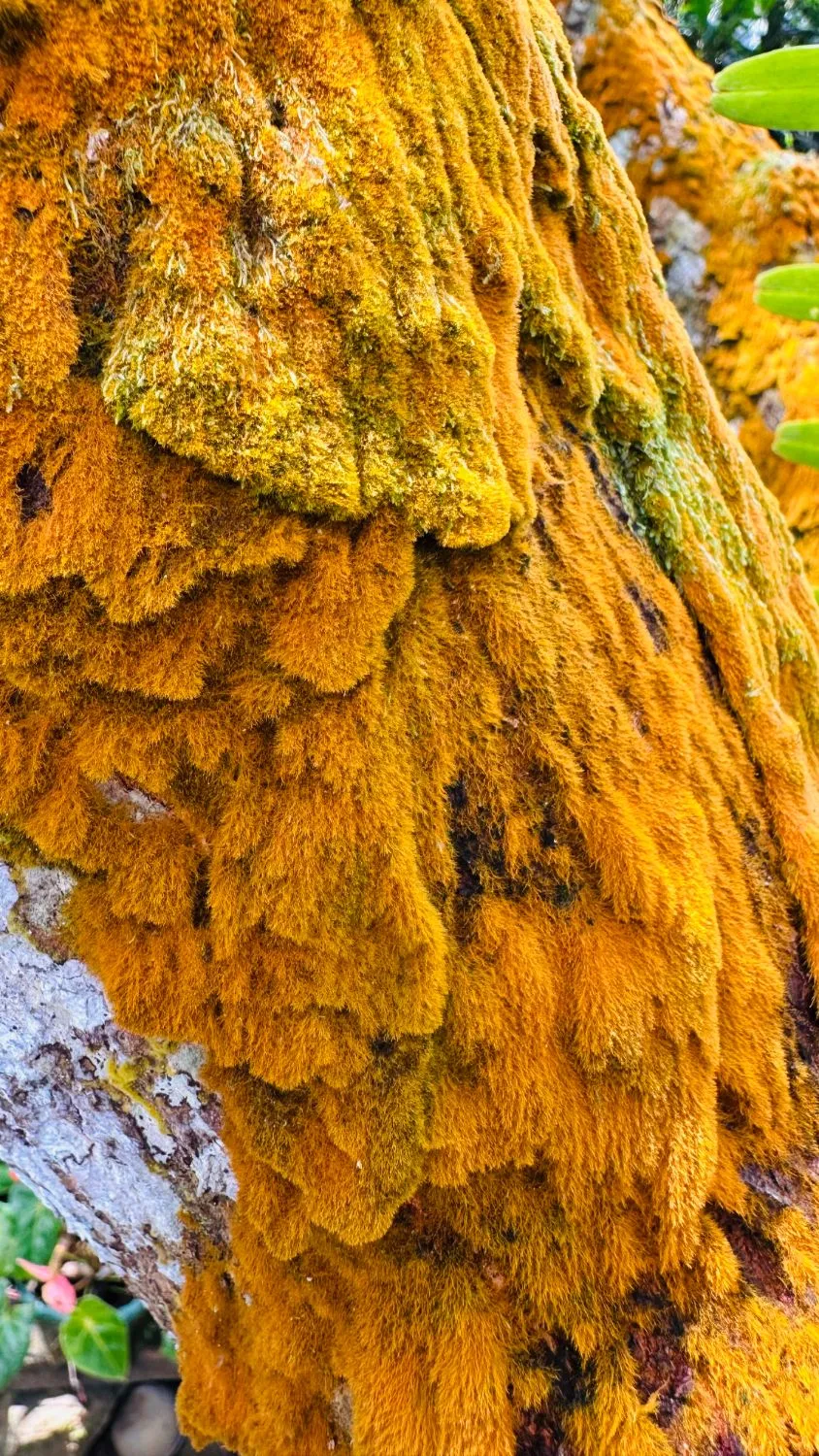
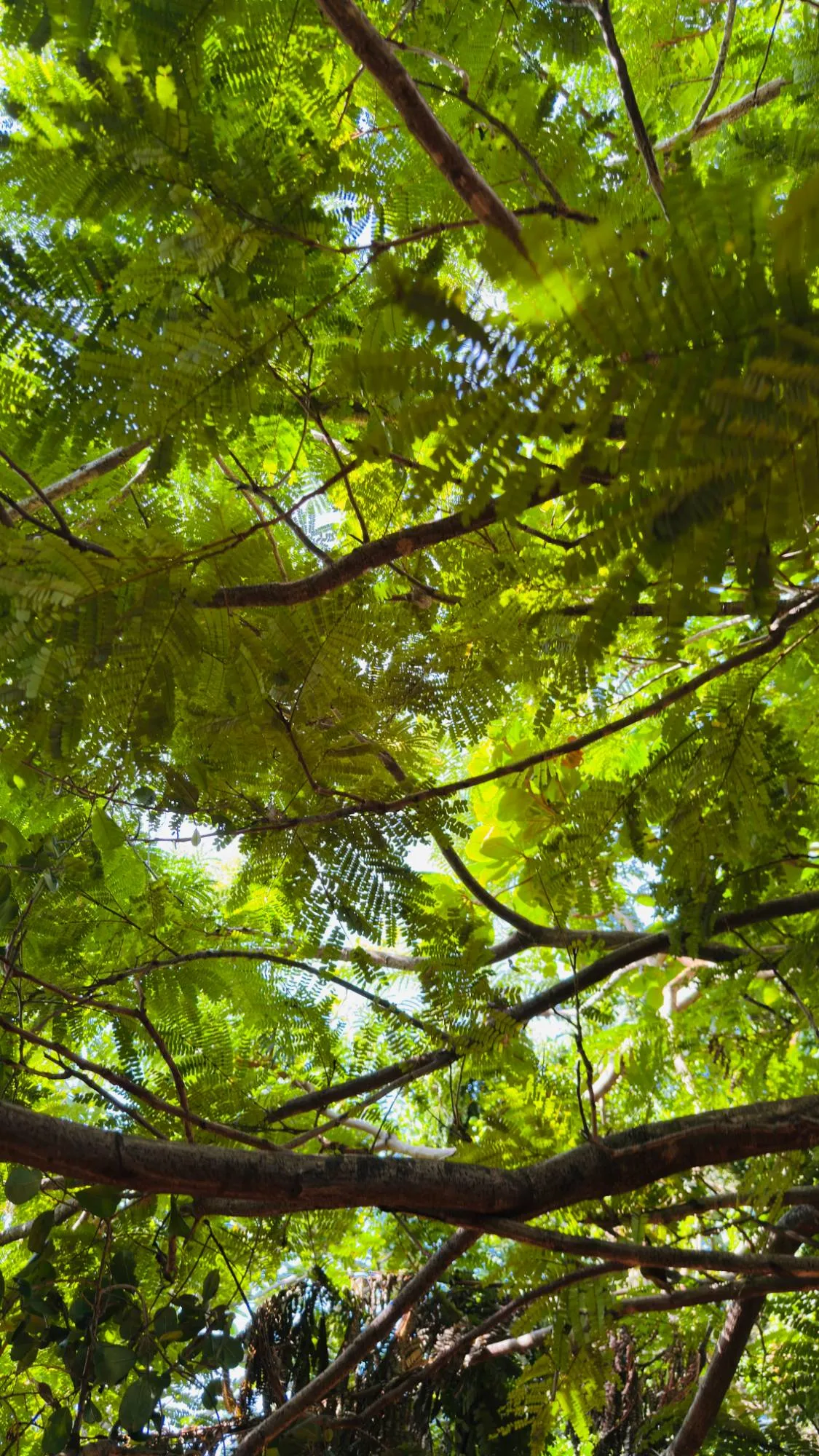
On anything with colour in it. The photographs on this page come from our own camera rolls, away from work: a red leaf against the light, a turtle, an orange window, lanterns at dusk. Each one was read into nine colours when this site was built. We use it on our finished work too: copper patinated in the workshop, velvet against timber, steam-bent strips.
On this website, too. Every project page carries a strip of colours sampled from its own photograph, the dots on the work map take each project’s colour, and the home page hero carries a strip of nine.
what it doesn’t do.
- It doesn’t pick a palette for you. It reads what’s in the photo; choosing is still ours.
- A screen is not paint. Gamut says so itself: check every match against a fan deck before you specify it.
- The photo decides. Light, the time of day and the camera all change the reading.
- It matches two paint collections, RAL Classic and Benjamin Moore. No NCS or Pantone yet.
- It doesn’t sync. Readings live in the browser you made them in; there’s no account and no cloud.
what’s next.
Ideas, not promises: opening Gamut with a project’s photo already loaded, straight from its project page.
photographs, read into palettes.



gamut, up close.